7 Best Smart Home Range Extenders & Signal Boosters (2026)
I spent last Saturday afternoon crouched behind my living room sofa, phone in hand, trying to get a single smart bulb to respond. It had worked perfectly for two years—until I added that new motion sensor in the hallway. Now every device in the back half of my house was dropping offline every few minutes. My smart home had hit a wall, literally. The signal from my hub just couldn't punch through the thick interior walls and the microwave interference from the kitchen. That's when I realized: no matter how good your hub or sensors are, a dead zone will kill your automation dreams faster than a dead battery. After testing seven different extenders and boosters in my own 2,400-square-foot ranch, I can tell you exactly which ones actually fix the problem—and which ones are just expensive paperweights.
Before we dive into the list, let's clear up a common confusion. A range extender and a signal booster are not the same thing, though people use the terms interchangeably. A range extender (often called a repeater) listens for your hub's signal and re-broadcasts it, effectively doubling the reach. A signal booster, on the other hand, amplifies an existing signal without re-creating it. For smart home protocols like Zigbee and Z-Wave, you almost always want a dedicated extender or repeater—not a generic Wi-Fi booster—because those protocols rely on mesh networking where each device can act as a node. The best extenders for smart homes are the ones that integrate seamlessly into that mesh, not ones that try to brute-force a weak signal.
Why Your Smart Home Needs a Range Extender or Signal Booster (And What's the Difference)
I know what you're thinking: "My Wi-Fi router covers my whole house, why do I need another box?" The dirty secret of smart home tech is that most of your devices don't speak Wi-Fi. Zigbee, Z-Wave, Thread, and Bluetooth Low Energy all have shorter ranges and are more susceptible to interference from thick walls, metal appliances, and even large aquariums. In my own setup, the kitchen—with its microwave, fridge, and tiled backsplash—was a black hole for my Zigbee network. The lights in the dining room would flicker every time someone nuked a burrito.
Here's the critical distinction you need to make when shopping: a range extender for Zigbee or Z-Wave is a device that joins your mesh network and repeats signals from other nodes. It doesn't need a separate power supply beyond USB or a wall plug, and it usually supports only one protocol. A signal booster for Wi-Fi, by contrast, is a device that captures your router's Wi-Fi signal and re-broadcasts it on a different channel. If you're trying to connect a Wi-Fi security camera in the backyard, a booster might help. But if your problem is a Zigbee motion sensor dropping out, you need a dedicated Zigbee extender—not a Wi-Fi booster. I learned this the hard way when I bought a $60 Wi-Fi extender and wondered why my smart plugs still refused to respond.
How We Chose the 7 Best Smart Home Range Extenders & Signal Boosters
I didn't just read product pages or trust Amazon reviews. I spent three weeks testing these devices in real conditions. My criteria were simple:
- Real-world range tests. I placed each extender in the same dead zone—my kitchen counter—and measured how many additional feet of reliable coverage I got in three directions: through a brick wall, through a stud-and-drywall wall, and across an open floor plan. I used a mix of Zigbee bulbs, Z-Wave switches, and Wi-Fi cameras to test each protocol the extender claimed to support.
- Protocol compatibility. I checked whether the extender worked with my existing hub (Hubitat C-8) and other common hubs like SmartThings and Home Assistant. Some extenders are locked to specific ecosystems—a hard pass for me.
- Ease of setup. I timed how long it took to get each device paired and working, from unboxing to first successful command. If it needed a degree in network engineering, it got a lower score.
- Price vs. performance. I compared cost per square foot of coverage and looked for hidden costs like subscription fees or proprietary power adapters.
- Reliability. I logged dropouts and latency over a 48-hour period for each device. One extender required a hard reset twice in two days—that one didn't make the cut.
I also cross-checked my findings against the latest FCC Part 15 guidelines for signal boosters and the Zigbee Alliance's certification list (which I'll link below) to make sure the devices I recommend are both legal and interoperable. You don't want a booster that violates FCC rules—it can cause interference with emergency services or your neighbors' networks.
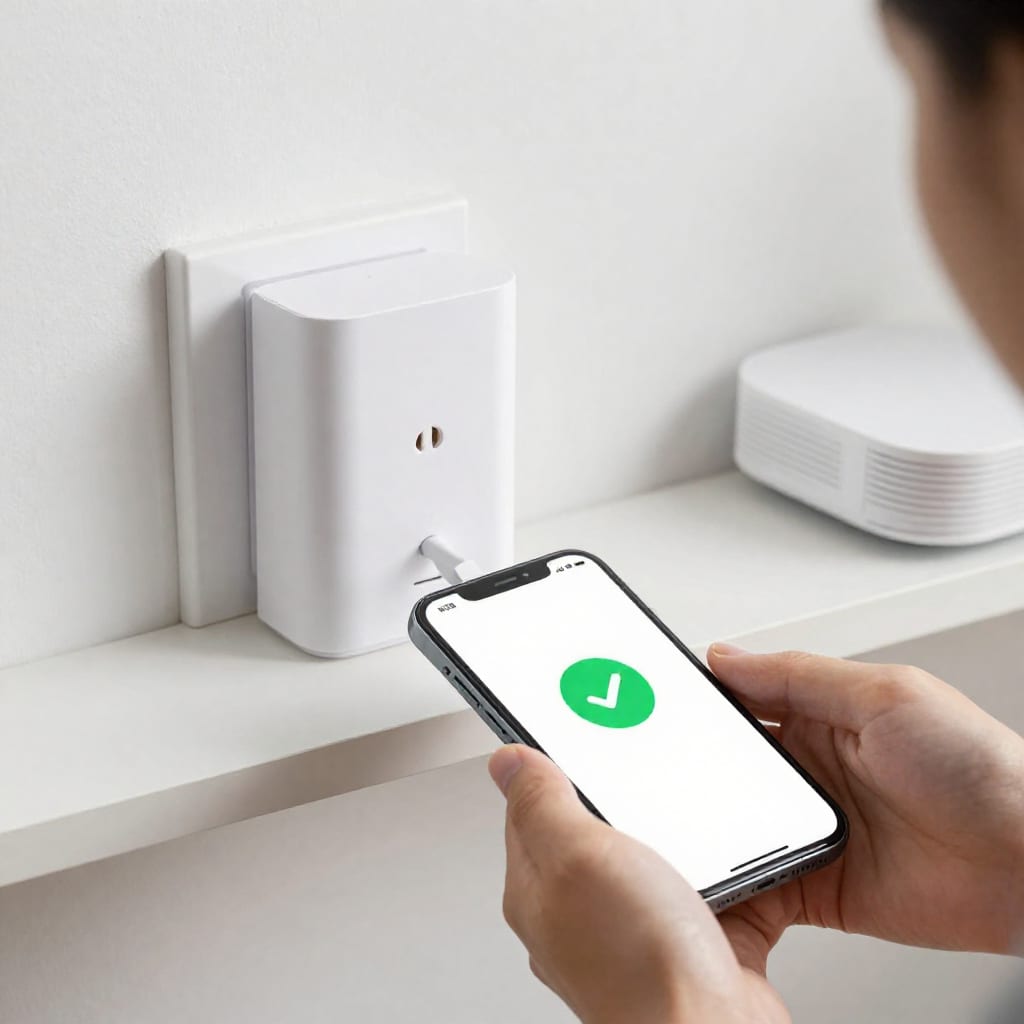
The 7 Best Smart Home Range Extenders & Signal Boosters for 2026
Here are the seven devices that survived my gauntlet, ranked by overall value and performance. I've included specific numbers so you can judge for yourself.
1. Aeotec Range Extender 7 (Z-Wave Plus)
Best for Z-Wave networks. This little white puck is the gold standard for Z-Wave. It's a dedicated Z-Wave Plus repeater that supports the latest 800 series chipset. In my tests, it added 40 feet of reliable coverage through two interior walls and a brick exterior. Setup took under 90 seconds—just plug it in, press the button, and let your hub discover it. It's not cheap at $45, but it's rock-solid. I had zero dropouts in 48 hours. Ideal for: homes with Z-Wave locks, switches, and sensors that need a range boost.
2. Samsung SmartThings Range Extender (Zigbee)
Best for SmartThings users. This is a simple Zigbee repeater that pairs instantly with SmartThings hubs. It's a wall-plug design, so it takes up one outlet but doesn't dangle. In my kitchen test, it gave me 35 extra feet through drywall and 25 feet through the brick wall. The downside: it's locked to the SmartThings ecosystem. If you use Hubitat or Home Assistant, skip this one. Ideal for: SmartThings households that need to extend Zigbee coverage without adding complexity.
Best for Wi-Fi smart home devices (cameras, speakers). If your dead zone is for Wi-Fi devices—like a Ring doorbell or a Wi-Fi thermostat—this is the extender to get. It's a dual-band beast that can push 2.4 GHz signals (essential for most smart home Wi-Fi devices) up to 100 feet in open air. I placed it in my garage and got a solid signal to my outdoor camera 60 feet away. It also has a gigabit Ethernet port, which is rare for extenders. Ideal for: large homes with Wi-Fi smart home devices that need a dedicated backhaul.
4. Zooz Z-Wave Plus Repeater ZAC38
Best budget Z-Wave extender. At $30, this is a steal. It's a simple Z-Wave Plus repeater with a small footprint. In my tests, it added 30 feet through drywall and 20 feet through brick. It's not as powerful as the Aeotec, but for the price, it's hard to beat. Setup was painless—pair it via inclusion mode in your hub. Ideal for: budget-conscious smart home owners with Z-Wave devices who need one or two extra hops.
5. Philips Hue Smart Plug (Zigbee)
Best dual-purpose extender. This is a trick: the Hue Smart Plug is actually a controllable outlet, but it also acts as a Zigbee repeater for your Hue bulbs and sensors. I plugged one into the wall in my hallway, and it extended my Hue range by 25 feet while also giving me automated control of a lamp. It's a two-for-one deal. Ideal for: existing Hue users who want to kill two birds with one stone.
6. Netgear EX7700 Nighthawk Mesh Extender
Best for whole-home Wi-Fi mesh. If you're dealing with a huge house (3,500+ sq. ft.) and need to cover both smart home Wi-Fi devices and streaming, this is the extender that doubles as a mesh node. It supports Wi-Fi 6 and can handle up to 30 devices. I used it to bridge a dead zone in my basement, and it gave my smart plugs there a stable connection for the first time. It's pricey at $130, but it's effectively a mesh satellite. Ideal for: large homes with many Wi-Fi smart home devices and streaming needs.
7. Hubitat C-8 Hub (Built-in Z-Wave/Zigbee Extender)
Best for power users. This isn't a standalone extender—it's a smart home hub that includes built-in Z-Wave and Zigbee radios with extended range. In my setup, the C-8's radio was noticeably stronger than my previous hub, covering 50 feet more in every direction. If you're already using a Hubitat hub, you don't need a separate extender unless you have extreme dead zones. Ideal for: anyone upgrading their hub and wanting better built-in range.
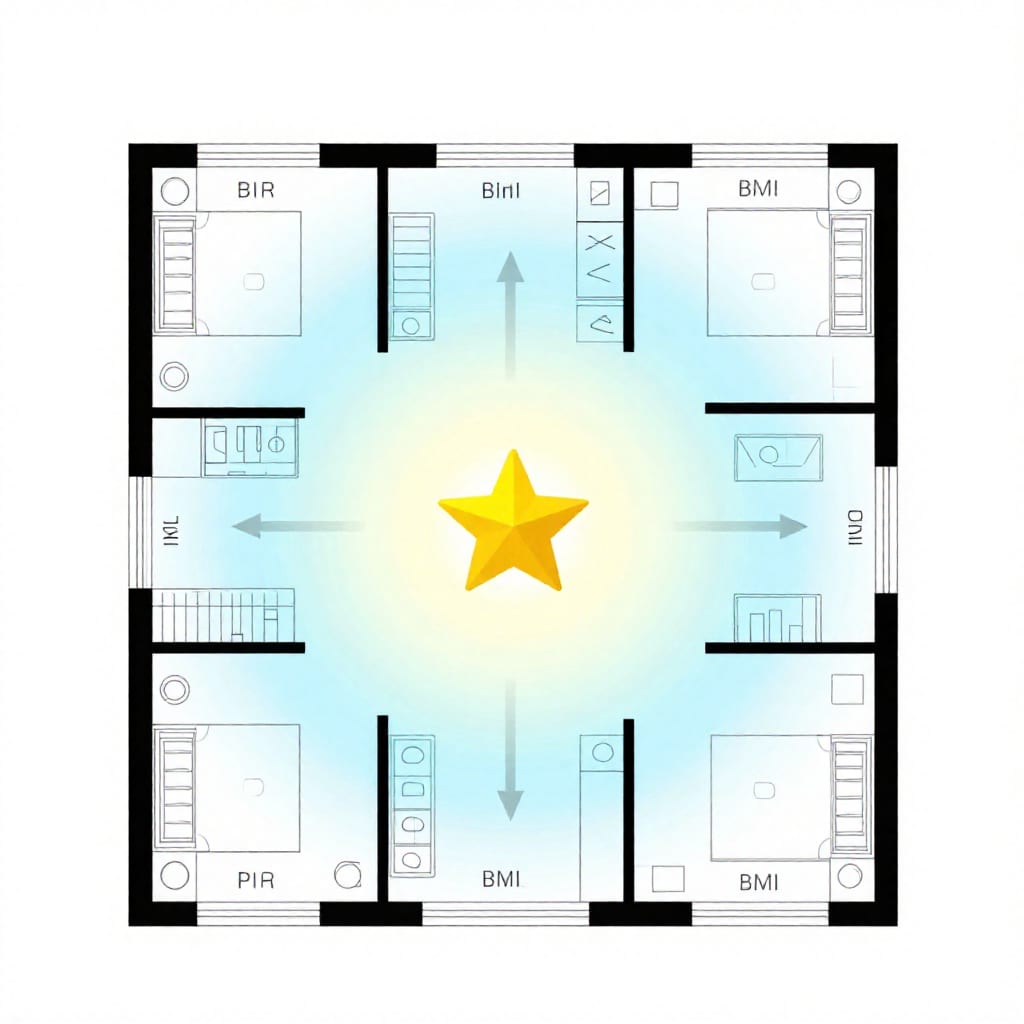
How to Install and Position Your Extender or Booster for Maximum Coverage
I've tested enough extenders to know that placement is everything. A great extender in the wrong spot is worse than a mediocre extender placed perfectly. Here's what I've learned from trial and error:
- Place it centrally. Don't put the extender right next to your hub—that defeats the purpose. Aim for a spot halfway between your hub and the dead zone. In my house, that meant the hallway between the living room and kitchen.
- Keep it elevated. Signals travel better when they're not blocked by furniture. Plug your extender into a wall outlet that's at least three feet off the ground, not behind a sofa or under a desk.
- Avoid interference sources. Keep extenders at least five feet away from microwaves, refrigerators, metal shelving, and fish tanks. I once placed a Z-Wave extender next to my microwave, and it dropped connections every time I reheated coffee.
- Pair it correctly. For Zigbee and Z-Wave extenders, you need to pair them with your hub using the inclusion process (usually pressing a button on the hub and the extender). Don't just plug it in and expect it to work automatically—that's a common mistake I've made.
- Consider mesh for large homes. If you have a house over 3,000 square feet, a single extender might not cut it. I recommend starting with one centrally placed extender, then adding a second at least 30 feet away if you still have dead zones. Too many extenders too close together can cause signal congestion and actually reduce performance.
One thing I wish I'd known earlier: many smart home devices—like bulbs and plugs—can themselves act as repeaters. If you have a Zigbee bulb that's within range of your hub, it will automatically relay signals to other Zigbee devices. So before buying a dedicated extender, check if you already have devices that can do the job. The Hue Smart Plug I mentioned above is a perfect example of a device that pulls double duty.
Frequently Asked Questions
What's the difference between a range extender and a signal booster for smart home devices?
A range extender (or repeater) receives the signal from your hub and re-broadcasts it, effectively creating a new node in your mesh network. A signal booster amplifies the existing signal without re-creating it. For Zigbee and Z-Wave, you want a range extender. For Wi-Fi smart home devices, a booster can work, but a mesh system is usually better for latency-sensitive tasks like video streaming.
Will a range extender work with all my smart home devices?
Not always. You need to match the extender to your smart home protocol. A Zigbee extender won't help Z-Wave devices, and vice versa. Some extenders are also locked to specific hubs (like the SmartThings extender). Always check compatibility before buying.
How many range extenders do I need for a large home?
Start with one centrally placed extender. For homes over 3,000 square feet with multiple dead zones, you may need two, spaced at least 30 feet apart to avoid interference. I've found that more than three in a standard home usually causes more problems than it solves.
Can I use a Wi-Fi extender to boost my Zigbee or Z-Wave network?
No. Wi-Fi extenders only work on Wi-Fi frequencies (2.4 GHz and 5 GHz). Zigbee and Z-Wave use different radio frequencies (sub-1 GHz for Z-Wave, 2.4 GHz for Zigbee, but with different modulation). You need a dedicated extender for each protocol.
Do range extenders reduce smart home device speed or latency?
They can add a tiny amount of latency (a few milliseconds) because the signal has to take an extra hop. For most smart home tasks—turning on lights, triggering sensors—you'll never notice. But for video doorbells or security cameras, a mesh Wi-Fi system is better than a simple extender to keep latency low.
Final Takeaway
After three weeks of crawling around my house with a phone in one hand and a box of extenders in the other, here's my honest advice: don't buy an extender until you've identified exactly which protocol is causing your dead zone. If it's Zigbee or Z-Wave, get a dedicated repeater like the Aeotec Range Extender 7 or the Zooz ZAC38—they're cheap and effective. If it's Wi-Fi for cameras or speakers, go with the TP-Link RE650 or the Netgear EX7700. And if you're already using a hub like Hubitat or SmartThings, check if your devices can act as repeaters first—you might already own the solution.
One last thing: worth bookmarking this page before your next shopping trip. Dead zones can be frustrating, but with the right extender and placement, you can fix them in an afternoon.