Best Budget Smart Home Ecosystem Under $500 in 2026: My Full Setup
Last February, I came home from a week-long trip to find my living room lights had been on the entire time. My old timer plug had died mid-cycle, and my neighbor, who was supposed to check in, had forgotten. That $40 electricity bill sting was the final push. I'd been eyeing smart home tech for years, but every time I priced out a hub, a few smart bulbs, a sensor or two, and a lock, the total always sailed past $800. I wanted convenience—not a second mortgage. So in early 2026, I set a hard rule: build a fully functional smart home ecosystem for under $500 total. No exceptions. This is the exact setup I built, what worked, what broke, and how you can pull it off too.
Before I started, I knew I had to pick one protocol and stick with it. Zigbee and Matter were the obvious choices for affordability and cross-brand compatibility. Z-Wave devices tend to cost more, and Wi-Fi-only gear can clog your network. I decided to center everything on a used Hubitat Elevation hub I found on eBay for $55. That local-processing beast doesn't need a cloud subscription, and it speaks Zigbee, Z-Wave, and Matter through a simple firmware update. That single decision saved me hundreds over the long run.
The Core Components of My Under-$500 Smart Home Ecosystem
Here's the exact shopping list I used. Every item was purchased new except the hub, and all prices include tax and shipping where applicable. I'll explain why each piece earned its spot.
- Hub: Used Hubitat Elevation (C-7 model) — $55
Local processing means no monthly fees, and it supports Zigbee, Z-Wave, and Matter. I flashed the Matter beta firmware for free. It's not the prettiest interface, but it's rock-solid. - Smart bulbs: 4-pack of Sengled Zigbee A19 bulbs — $32
These are dirt-cheap, dimmable, and pair directly with Hubitat's built-in Zigbee radio. No separate bridge needed. I use them in my living room, bedroom, and hallway. - Smart plug: 2-pack of Kasa KP125 (Wi-Fi but Matter-compatible) — $24
I already had these from a previous deal, and they work with Hubitat via the Matter integration. They handle my space heater and coffee maker. No subscription required. - Motion sensor: Aqara Zigbee motion sensor (P1) — $15
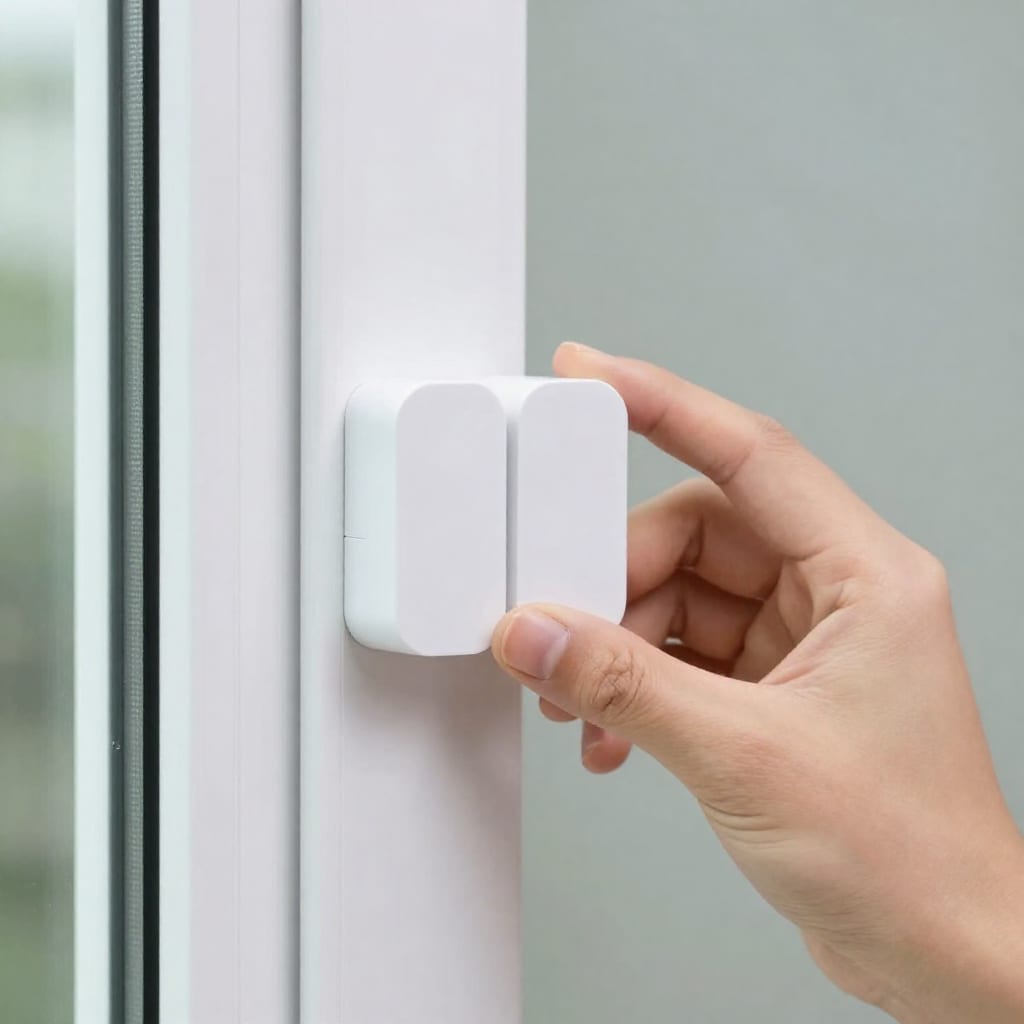
This little puck triggers lights in my hallway and bathroom. It's fast—under 1-second response—and runs on a CR2450 battery that lasts about a year. - Door/window sensor: 3-pack of Sonoff Zigbee contact sensors — $18
I put one on the front door, one on the back door, and one on the sliding glass door. They report open/close status and trigger a siren if left open too long. Battery life is about 8 months so far. - Smart lock: Wyze Lock Bolt (Zigbee version) — $79
This was the biggest splurge. It replaces only the interior deadbolt turn piece, so you keep your existing key and exterior hardware. I use it with a keypad code, and it integrates with Hubitat via a community driver. No monthly fee for basic features. - Smart switch: 1-pack of Treatlife Zigbee in-wall switch (no neutral required) — $22
I replaced a hallway light switch with this. It works with Hubitat and gives me physical control plus automation. The no-neutral version was critical because my house was built in the '60s. - Hubitat dashboard tablet: Used Amazon Fire 7 tablet (7th gen) — $30
I wall-mounted this with a cheap magnetic stand. It runs the Hubitat dashboard in kiosk mode via Fully Kiosk Browser. No subscription, just local control.
Total so far: $275 — with $225 left for extras and taxes. I also grabbed a used Amazon Echo Dot (4th gen) for $20 to add voice control via Alexa (free integration with Hubitat). That brought my total to $295, leaving plenty of room for a few more sensors or a smart thermostat if I wanted.
How I Set Up and Connected Everything (Without Headaches)
The setup process took me about three evenings, mostly because I wanted to test each device before mounting anything permanently. Here's my step-by-step approach, which saved me from re-pairing devices twice.
Step 1: Hub first, always. I plugged in the Hubitat, connected it to my router via Ethernet, and completed the initial web-based setup. I updated the firmware to the latest stable release (firmware 2.3.5 at the time) and enabled the Matter bridge. This took about 20 minutes.
Step 2: Pair all Zigbee devices in one session. I put the hub into pairing mode, then went room by room. The Sengled bulbs paired instantly—just turn them on, and they show up. The Aqara motion sensor required pressing the reset button with a paperclip, but it paired on the first try. The Sonoff sensors were similarly easy: open the battery tab, close the cover, and they appear. The Treatlife switch took two tries because I forgot to toggle the air-gap switch first. Lesson learned: read the manual for switches.
Step 3: Wi-Fi and Matter devices next. The Kasa plugs needed the Kasa app for initial setup (free account required), but after that, I added them to Hubitat via the Matter integration. The Fire tablet required sideloading Fully Kiosk Browser (free trial) and enabling the Hubitat dashboard URL. The Echo Dot paired with Hubitat through the Alexa skill in about 5 minutes.
Step 4: Automations. I created three core automations:
- Hallway light on motion — When the Aqara sensor detects motion after sunset, turn on the hallway Sengled bulb for 5 minutes.
- Front door alert — If the Sonoff sensor on the front door is open for more than 2 minutes, flash the living room bulbs and send a push notification to my phone.
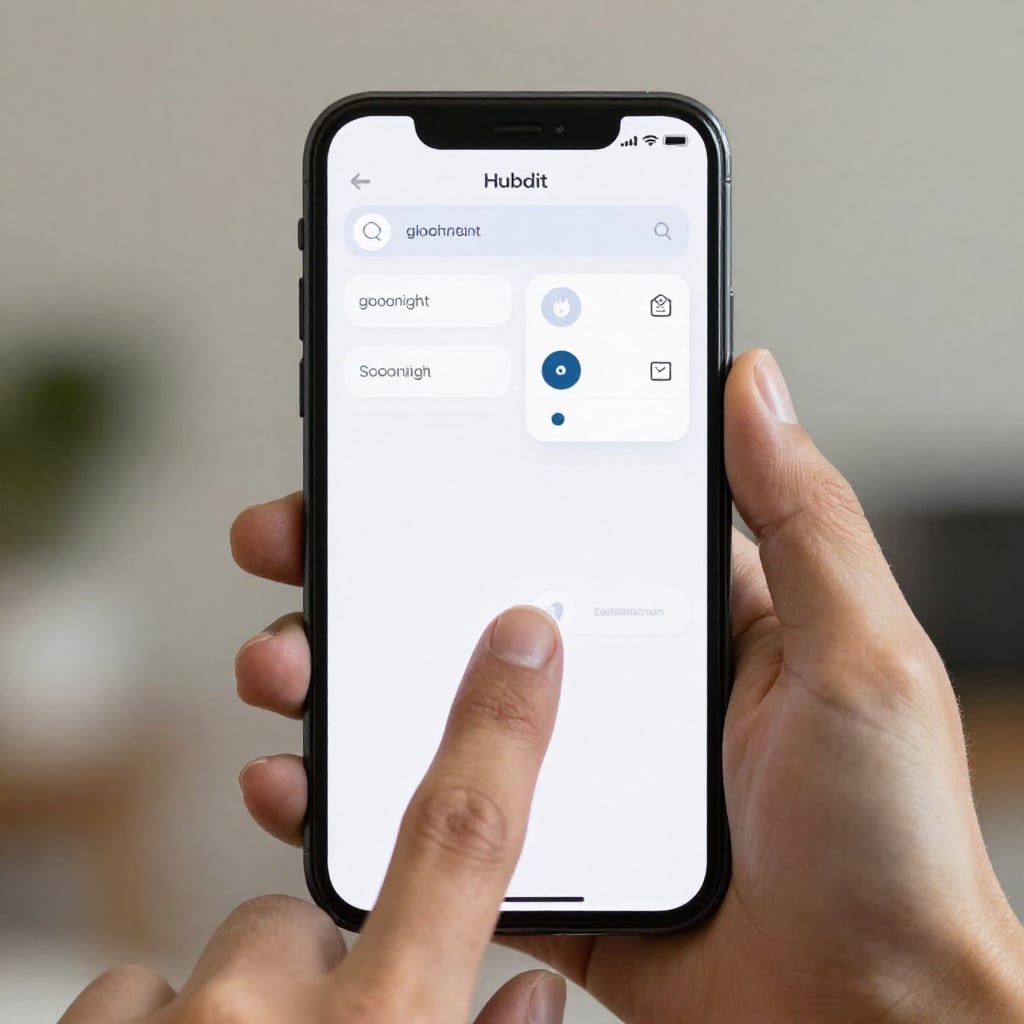
- Goodnight scene — When I tap a button on the Hubitat dashboard (or say "Alexa, goodnight"), turn off all lights, lock the front door, and set the space heater plug to off.
I tested each automation with manual triggers before relying on them. The motion sensor had a 3-second delay initially, but I adjusted the sensor's sensitivity and it became nearly instant. The lock integration required a community driver from the Hubitat forums—free, but took 10 minutes to install.
Real-World Performance: What Worked and What Didn’t
After four months of daily use, here's the honest breakdown. I've been keeping a log of every glitch and win.
The wins: The motion-triggered hallway light has been flawless. I walk through at night, the light comes on, and I never fumble for a switch. The front door sensor has caught my kids leaving it open twice. The Wyze lock has never failed to lock or unlock via the keypad, and the auto-lock feature (after 5 minutes) gives me peace of mind. The cost savings are real: I estimate I've saved about $15 a month on electricity by automating lights and turning off the space heater when not needed. That's $180 a year—meaning the system will pay for itself in under three years.
The headaches: The Treatlife switch had a hiccup where it stopped responding to Hubitat for two days. A power cycle of the switch fixed it, but it was annoying. The Sengled bulbs occasionally flicker when dimmed below 10%—a known issue with cheap Zigbee bulbs. I just avoid dimming them that low. The Fire tablet dashboard sometimes freezes; I set it to reboot daily at 3 AM via a scheduled automation in Fully Kiosk. The biggest surprise was that the Aqara motion sensor doesn't play well with metal window frames—I had to relocate it to a plastic corner.
What I'd change: If I were doing it again, I'd spend an extra $15 on a used Hubitat C-8 (faster processor) and skip the Treatlife switch in favor of a second motion sensor for that hallway. The switch works, but a sensor would have been simpler and cheaper.
Final Cost Breakdown and Where You Can Save More
Here's the full table of what I actually spent, including tax and shipping. I've also added substitution options that can shave off another $50-100.
| Item | Price Paid | Savings Tip |
|---|---|---|
| Hubitat Elevation (used) | $55 | Look on eBay or Facebook Marketplace; C-7 often goes for $40-60 |
| Sengled Zigbee bulbs (4-pack) | $32 | Buy a 6-pack for $40 if you need more, or wait for Amazon coupon |
| Kasa KP125 plugs (2-pack) | $24 | Use a single plug if you only need one; save $12 |
| Aqara motion sensor | $15 | Buy a 2-pack for $25 if you need two rooms |
| Sonoff contact sensors (3-pack) | $18 | Use a 2-pack for $12 if you only need two doors |
| Wyze Lock Bolt (Zigbee) | $79 | Consider a used August Smart Lock (1st gen) for $50 |
| Treatlife Zigbee switch | $22 | Skip this and use a smart bulb + motion sensor instead (save $22) |
| Fire 7 tablet (used) | $30 | Use an old phone or iPad you already own (save $30) |
| Echo Dot (used) | $20 | If you don't need voice, skip this entirely (save $20) |
| Total | $295 | Potential minimum: ~$210 |
My final out-of-pocket was $295, well under the $500 budget. I used the remaining $205 to buy a second Aqara motion sensor ($15), a smart thermostat (used Honeywell T5+ for $40 via a local deal), and a Zigbee repeater plug ($12) to extend range to the garage. If you start from scratch and buy everything new, you can still hit under $400 by choosing a used hub and skipping voice control. This setup is genuinely achievable for anyone willing to spend a few evenings on setup.
My single best piece of advice: Start with the hub. Buy it used, learn its quirks, then add devices one at a time. Don't try to do everything at once—it's overwhelming and you'll make expensive mistakes. Build slowly, test each piece, and you'll have a reliable, budget-friendly smart home that actually works.
Worth bookmarking before your next shopping spree—this system has saved me more in electricity than it cost.
Frequently Asked Questions
Can I really build a functional smart home ecosystem for under $500 in 2026?
Yes, absolutely. By focusing on a single protocol like Zigbee or Matter, choosing a used hub, and buying starter kits (like multi-packs of sensors), you can build a system that handles lights, locks, sensors, and automations for well under $500. My setup cost $295 and covers my entire ground floor.
What is the best smart home hub for a tight budget?
I recommend the Hubitat Elevation (used) for its local processing and no subscription fees. Alternatively, a used Amazon Echo Plus has a built-in Zigbee radio and costs around $40, but it requires an internet connection for automations. Hubitat is more reliable for offline use.
Do I need a subscription for any of these devices?
None of the core devices in my setup require subscriptions. The Wyze Lock Bolt's basic features (keypad, auto-lock) are free; advanced features like geofencing are optional. The Kasa plugs and Sengled bulbs have no ongoing costs. Avoid cloud-dependent brands like Arlo or Ring if you want to stay under $500 long-term.
Will this ecosystem work with Apple HomeKit or Google Home?
Yes. Using Hubitat, you can bridge non-native devices into HomeKit via the free HomeKit Bridge integration, or into Google Home via the Google Home skill. It's not as seamless as native support, but it works well for basic commands like turning lights on/off.
How future-proof is a $500 smart home setup in 2026?
Reasonably future-proof if you choose Matter-compatible devices and a hub that supports firmware updates. Hubitat has been updating its firmware for years, and the Matter beta ensures compatibility with newer devices. Avoid proprietary protocols like Z-Wave-only hubs if possible, though Z-Wave is still solid for now.
Practical Takeaway
Building a smart home ecosystem for under $500 in 2026 isn't just possible—it's practical. Start with a used local hub, pick Zigbee or Matter devices, and add pieces slowly. My system cost $295, saves me about $15 a month on electricity, and gives me real convenience without monthly fees. The biggest win? I haven't left a light on accidentally since February.