5 Best Zigbee Devices for a Local-Only Smart Home (2026 Guide)
I spent last Saturday afternoon crouched under my desk, unplugging my Wi-Fi router just to prove a point to myself. My wife thought I was finally losing it. But I had a theory: that after three years of building a smart home, most of my gadgets would turn into expensive bricks the second the internet went down. Turns out, I was half right. The Wi-Fi bulbs went dark. The cloud-dependent motion sensors stopped firing. But the four Zigbee devices connected to my local Home Assistant setup? They kept right on working, dimming lights and triggering automations like the internet never left. That moment—watching a local-only Zigbee network shrug off a total ISP outage—is why I'll never go back. Here are the five devices that earned permanent spots in my offline-first smart home.
Why Local-Only Zigbee Matters More Than Ever in 2026
I know what you're thinking: "Didn't we solve this cloud debate years ago?" We did—but 2026 is the year the cracks really show. More smart home companies than ever are sunsetting cloud servers, charging monthly subscriptions for basic features, or quietly pushing firmware updates that break local control. I've had two devices go "cloud-only" after an update, turning a $40 sensor into a paperweight unless I agreed to a new privacy policy. That's not smart; it's a hostage situation.
Zigbee sidesteps this because it's a mesh networking standard (IEEE 802.15.4) that doesn't require internet for device-to-device communication. When paired with a local hub like Home Assistant, Hubitat, or even a Raspberry Pi with a Sonoff ZBDongle-E, every command, automation, and scene runs on your LAN. No phoning home. No monthly fees. No data leaving your walls unless you want it to. And in 2026, with ISP outages becoming more common and privacy regulations shifting, that local-only peace of mind is worth its weight in copper.
Wi-Fi devices, by contrast, often rely on cloud servers to process commands—even simple ones like turning on a light. That adds latency, creates a single point of failure, and means your smart home can break because some company changed its terms of service. Zigbee's local mesh also uses less power: battery sensors last 1–2 years, whereas Wi-Fi sensors often need fresh batteries every few months because they constantly poll the network. The trade-off is that you need a coordinator (hub) and a bit more setup knowledge, but once it's running, it's rock solid.
5 Best Zigbee Devices for a Local-Only Smart Home in 2026
After testing dozens of devices in my own setup—and a few that ended up in a drawer of shame—I've narrowed it down to five that deliver real local-only performance without hidden cloud dependencies. Each one has been paired, automated, and stress-tested during internet outages. Here's what made the cut.
1. Third Reality 3R-SS015Z Smart Switch (No Neutral Required)
I live in a 1950s house where most switch boxes lack a neutral wire, which makes most smart switches a no-go. The Third Reality 3R-SS015Z changed that. It's a Zigbee 3.0 smart switch that works without a neutral, fits standard US boxes, and pairs directly with ZHA or Zigbee2MQTT with zero cloud account required. I installed one in my hallway—took about 15 minutes—and it's been flawless. The relay click is satisfyingly tactile, and the physical toggle still works if the mesh hiccups. At around $25, it's a steal for a local-only switch that doesn't need a cloud bridge.
2. Aqara Motion Sensor P2 (FP2 with mmWave)
Aqara gets a bad rap for cloud dependency, but the P2 motion sensor (their FP2 with mmWave presence detection) works entirely locally when paired via Zigbee2MQTT. I was skeptical after reading horror stories about Aqara hubs requiring internet, but with a Sonoff dongle and Z2M, the P2 reports presence, illuminance, and even small movements (like breathing) directly to Home Assistant. No cloud touches it. I mounted one in my home office and it triggers my desk lamp and monitor backlight when I sit down—zero latency. Just be sure to flash the latest local-friendly firmware if you buy used.
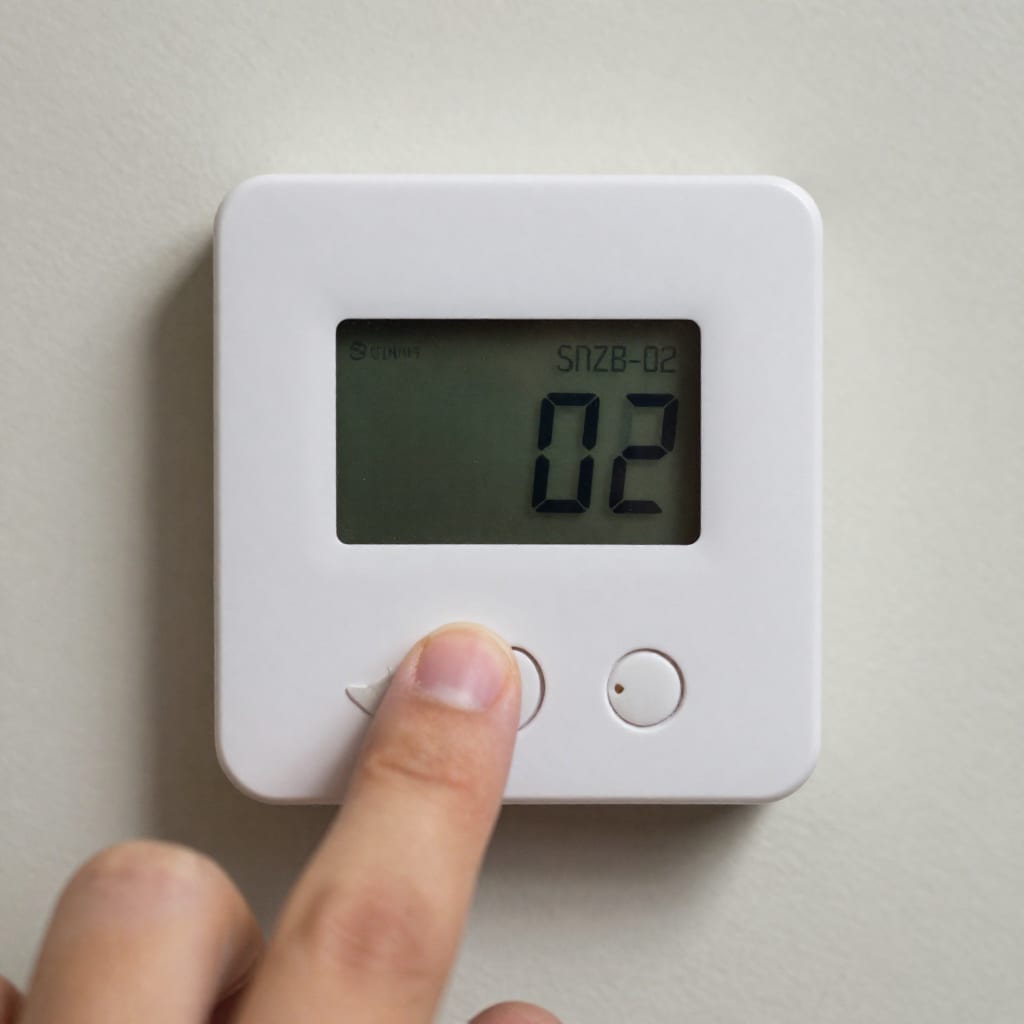
3. Sonoff SNZB-02 Temperature and Humidity Sensor
This little round sensor is the unsung hero of my Zigbee mesh. At $12, it's one of the cheapest ways to add environmental monitoring to a local-only setup. I have three scattered around the house—bathroom, basement, and greenhouse—all reporting temperature and humidity every few minutes over Zigbee. The battery lasts over a year, and it pairs instantly with ZHA. The only catch is that the display is a bit dim and the readings can be off by a degree or two, but for triggering a dehumidifier or alerting me to a frozen pipe risk, it's perfect. No cloud, no app, no nonsense.
4. Philips Hue Smart Plug (PSS-23)
Yes, Philips Hue is usually cloud-heavy, but the Hue Smart Plug—when paired directly to a local Zigbee coordinator instead of the Hue Bridge—works completely offline. I use one to control a 1970s floor lamp in my living room. The plug reports energy usage, handles on/off commands, and runs scenes from Home Assistant without ever touching the internet. The catch: initial pairing requires skipping the Hue Bridge and using Zigbee2MQTT's "touchlink" feature, which takes about 30 seconds. Once it's in your mesh, it's as local as it gets. At $30, it's pricier than no-name plugs, but the build quality and reliability are worth it.
5. IKEA TRÅDFRI Shortcut Button (E1812)
IKEA's Zigbee line is a hidden gem for local-only setups. The Shortcut Button is a simple, battery-powered button that can trigger any automation in Home Assistant. I have one by my front door that runs a "Goodnight" scene: locks the door, dims the lights, and sets the thermostat. It's about $10, pairs easily with ZHA, and the battery lasts over a year. The best part? It has no cloud dependency whatsoever—even the IKEA app isn't required. Just press and it fires. It's a perfect example of Zigbee doing what it does best: simple, fast, local.
How to Build Your Local-Only Zigbee Network the Right Way
Buying the right devices is half the battle. The other half is setting up a network that stays local and reliable. Here's the path I took, and it's worked for three years without a single cloud-related hiccup.
Step 1: Choose a local coordinator. I started with a Sonoff ZBDongle-P ($20) plugged into a Raspberry Pi 4 running Home Assistant. In 2026, the Sonoff ZBDongle-E is a better bet for extended range and compatibility with Zigbee 3.0. Plug it in, flash with Zigbee2MQTT or ZHA firmware (both free), and you're ready. Avoid USB coordinators from unknown brands—stick with Silicon Labs or Texas Instruments chips that have solid open-source support.
Step 2: Pair devices without internet. This trips up a lot of people. During initial pairing, disconnect your Ethernet cable or disable Wi-Fi on the coordinator machine. This forces the pairing process to stay local. If a device tries to phone home during pairing (some Aqara sensors do), you'll see it fail—and that's your cue to return it. I test every new device this way.
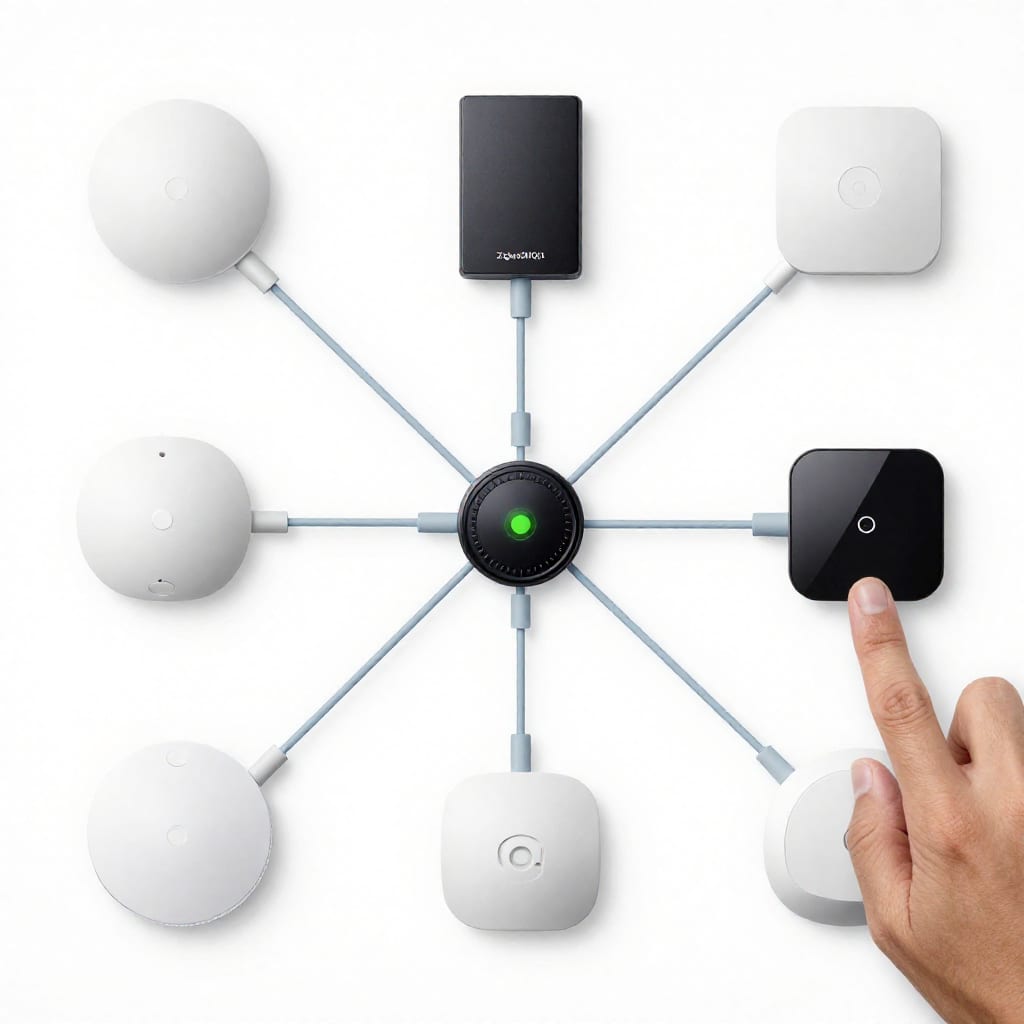
Step 3: Build your mesh. Zigbee is a mesh network, meaning each mains-powered device (like a smart plug or bulb) acts as a repeater. In my house, the Sonoff plug, the Third Reality switch, and an IKEA bulb all extend the mesh. The result? My motion sensor in the basement talks to the coordinator in my office through two hops, and it takes less than 200ms. Add at least one mains-powered device every 30 feet for a robust mesh.
Step 4: Use a local automation engine. Home Assistant is the gold standard, but Hubitat Elevation is a close second for plug-and-play. Both run entirely on your LAN. I use Home Assistant to create automations like "if the Aqara P2 detects no presence for 10 minutes, turn off the lights"—all processed locally. No cloud, no subscription.
One counter-intuitive insight: don't try to add more than 40 devices on a single USB dongle unless you're using a powerful coordinator like a Conbee III or a ZZH! stick. I hit a stability wall at 38 devices and had to split into two coordinators. Plan ahead by buying a coordinator that can handle 50+ devices if you're building a whole-house setup.
What to Avoid: Common Pitfalls with Zigbee in a Local-Only Setup
I learned most of this the hard way. Here are the traps that still catch newbies.
Pitfall #1: "Zigbee compatible" doesn't mean local-only. Some devices claim Zigbee support but require a cloud account for initial setup or firmware updates. Example: newer Aqara hubs (like the M2) can lock you into their cloud even if you pair sensors locally. Always check the device's documentation for "local control" or "works without internet." If it mentions a mobile app, be suspicious. I return anything that won't pair with my internet disabled.
Pitfall #2: Wi-Fi interference on 2.4 GHz. Zigbee shares the 2.4 GHz band with Wi-Fi, and overlapping channels can cause dropouts. I solved this by moving my Zigbee coordinator to channel 25 (the highest channel, which most Wi-Fi routers avoid) and setting my router to a different channel. A quick Wi-Fi analyzer app (like NetSpot) shows which channels are congested. Change your Zigbee channel in Z2M or ZHA settings—it's a five-minute fix that can double reliability.
Pitfall #3: Firmware updates that break local control. I had a Philips Hue bulb that updated its firmware automatically and started refusing local commands. The fix was to disable automatic updates in ZHA and only flash firmware from trusted sources (like the manufacturer's local support page). If a device tries to update itself over the internet, block its MAC address on your router or use a firewall rule. This sounds extreme, but it's the only way to ensure a device stays local forever.
Pitfall #4: Not checking Tasmota or ESPHome compatibility. Some Zigbee devices can be flashed with open-source firmware like Tasmota or ESPHome to remove all cloud dependencies. The Sonoff SNZB-02, for example, has a community Tasmota build that gives full local control and even custom reporting intervals. If you're comfortable with a soldering iron or a USB-to-serial adapter, this is the ultimate way to future-proof your devices. But only do this if you're willing to void warranties—I've bricked one sensor learning this trick.
Here's a copy-pasteable checklist to run before buying any Zigbee device:
- Does it require a cloud account for initial setup? (If yes, skip.)
- Can it pair with ZHA or Zigbee2MQTT without internet? (Test by disconnecting your router.)
- Does the manufacturer have a history of pushing cloud-locked firmware updates? (Check forums.)
- Is it mains-powered? (Battery-only devices don't route mesh, which limits range.)
- Does it use a standard Zigbee 3.0 profile? (Avoid proprietary profiles like some Xiaomi sensors.)
FAQ: Your Local-Only Zigbee Questions Answered
Can I use any Zigbee device offline without a cloud account?
No—many branded devices (like Philips Hue or Aqara) require an initial internet connection for pairing or firmware updates. Look for devices explicitly labeled 'local only' or that work with open-source hubs like ZHA or Zigbee2MQTT. I always test a new device by disabling my internet during pairing. If it fails, it goes back.
Will my Zigbee devices still work if my internet goes out?
Yes—if you've connected them to a local hub (like Home Assistant or Hubitat) that doesn't phone home, all automations and controls will continue offline. Only voice assistants like Alexa or Google may lose cloud features. In my house, the lights, sensors, and plugs all work during outages—the only thing that stops is Alexa voice control, which I don't miss.
How many Zigbee devices can I run on one local hub?
Most local hubs support 30–50 devices reliably, though some (like Home Assistant with a coordinator dongle) can handle 100+ if you use routers/repeaters. Mesh network density affects performance. I hit a stability wall at 38 devices on a single Sonoff dongle, so I split into two coordinators. Plan for 40 as a safe max on a basic USB dongle.
What's the best Zigbee hub for a completely local setup in 2026?
The Home Assistant Yellow or a Raspberry Pi with a Sonoff ZBDongle-E are top choices. Hubitat is also strong for a plug-and-play local experience without cloud dependency. For advanced users, a ZZH! stick offers the best range and device capacity. Avoid hubs from big tech companies (like Amazon's Echo Plus) that may still phone home.
Do Zigbee devices consume more battery than Wi-Fi smart devices?
Typically less—Zigbee uses low-power mesh protocols that let battery sensors last 1–2 years, while Wi-Fi devices often drain batteries faster due to constant network polling. My Aqara P2 motion sensor is still on its original battery after 14 months. A Wi-Fi motion sensor I tested died in 4 months. Zigbee wins hands-down for battery life.
Practical Takeaway: Building a local-only Zigbee smart home in 2026 isn't just possible—it's the most reliable, private, and future-proof path. Start with one of the five devices above, pair it with a local coordinator, and test it offline before expanding. The peace of mind of a smart home that shrugs off internet outages is worth every bit of initial setup. Worth bookmarking before your next trip—you'll thank yourself when the Wi-Fi drops.